
Utilities
OnAir: Screen Recorder [Live]
Record your iPhone or iPad screen with app sound and microphone, then add your face and voice on top as a reaction. Trim, save and share to YouTube, TikTok or Instagram.
- Free
- iPhone · iOS 16+
- ★ 4.6 on the App Store
About OnAir
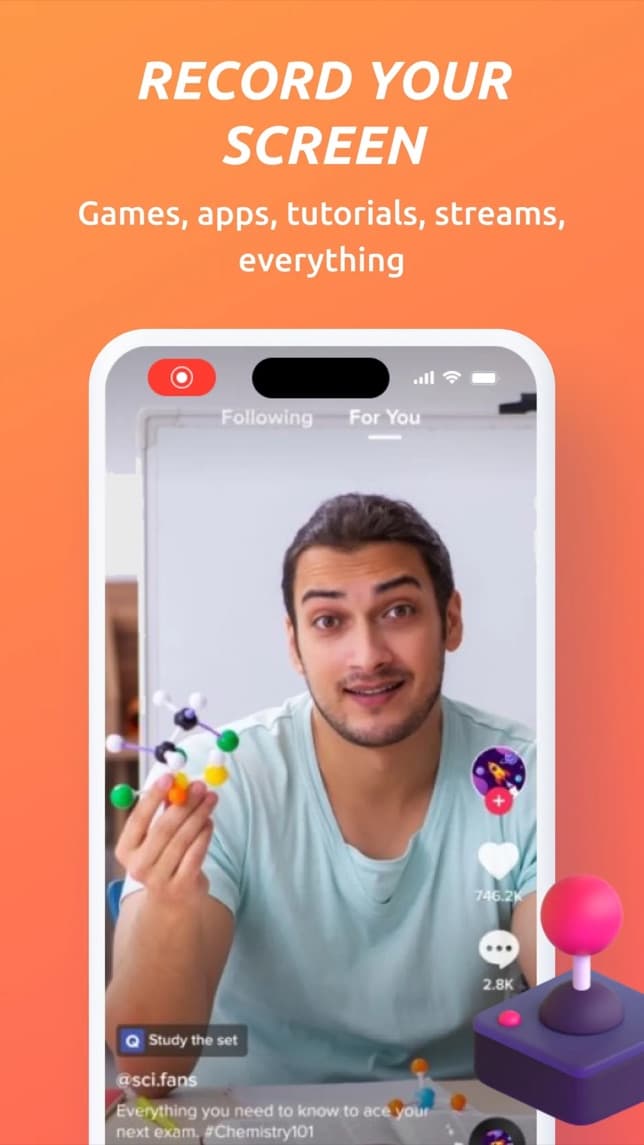
OnAir records your iPhone or iPad screen — games, apps, tutorials, anything — together with the app's sound and your microphone.
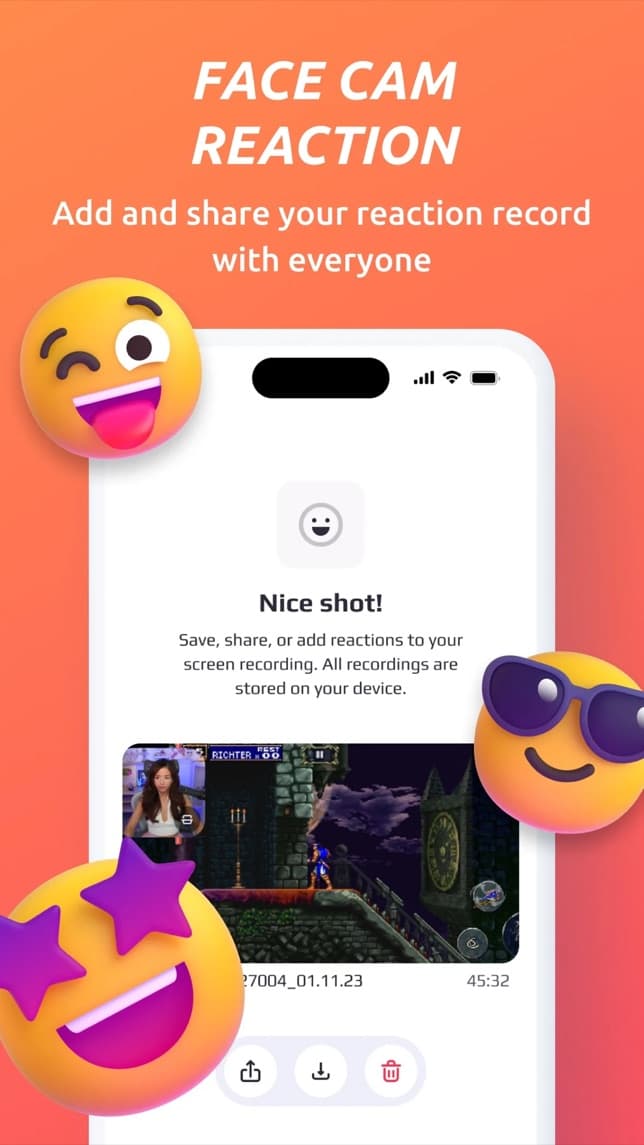
Then add yourself: play the recording back and OnAir films your reaction with the front camera on top of it. Keep your face, only your voice, or both, trim the result and share it.
Features
Record your screen
Capture the whole screen with one tap from Control Center.
- →Games, apps and tutorials
- →App sound and microphone
- →iPhone and iPad
Face cam reactions
Add your face and voice on top of a recording.
- →Front camera picture in picture
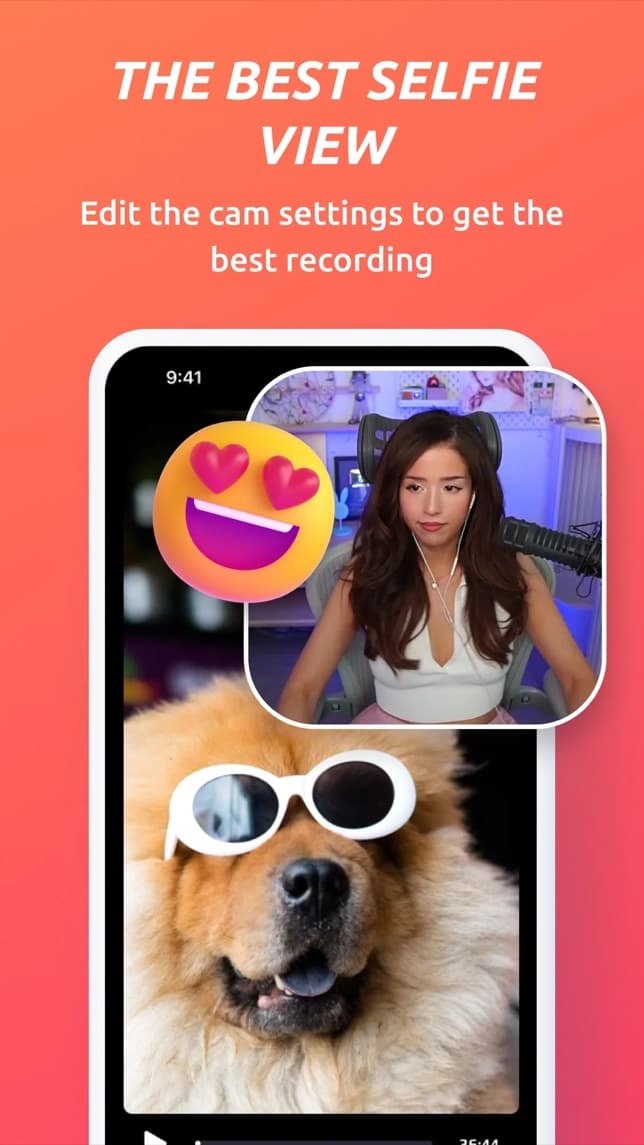
- →Drag the face cam anywhere
- →Camera or mic can be turned off
Voice-over
Narrate a recording without showing your face.
- →Walkthroughs and tutorials
- →Commentary for gameplay
- →Record again until it sounds right
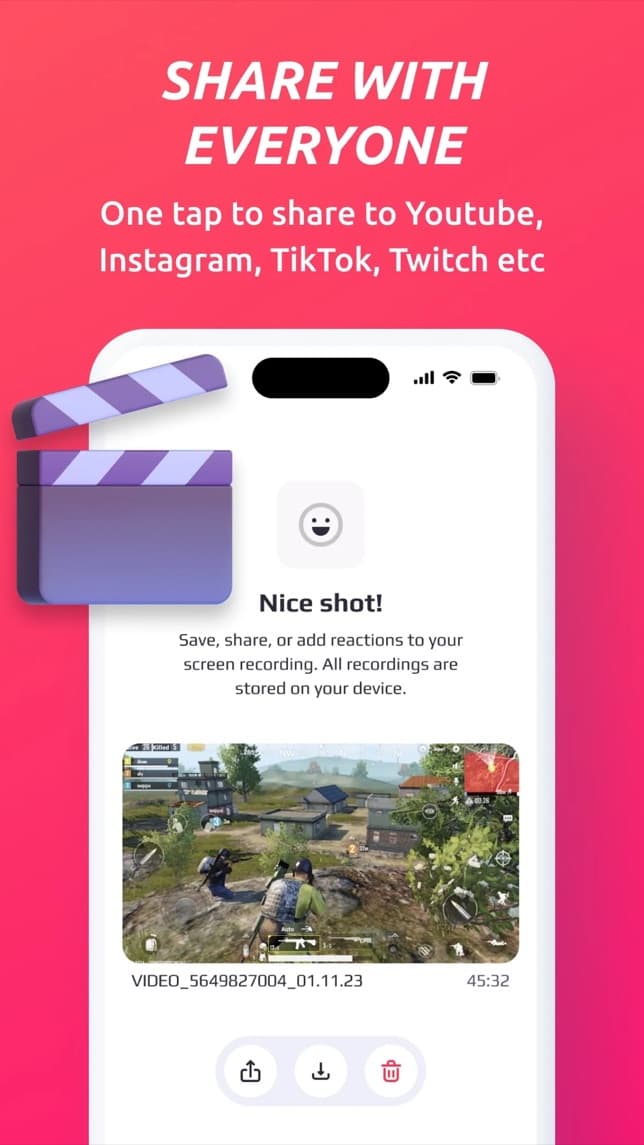
Trim and share
Finish the video without leaving the app.
- →Trim the start and end
- →Save to Photos
- →Share to YouTube, TikTok, Instagram and more
From the blog
Guides and articles on onaircam.comFAQ
How do I start a screen recording with OnAir?+
Open OnAir and start a broadcast, or long-press Screen Recording in Control Center and choose OnAir. Everything on the screen is recorded with the app's sound and, if you turn it on, your microphone.
How do face cam reactions work?+
After recording, OnAir plays the video back while the front camera and microphone record you. Your face appears in a window you can drag anywhere; you can switch the camera or the mic off.
Can OnAir record FaceTime or phone call audio?+
No. iOS mutes call audio (FaceTime, phone, WhatsApp, Zoom) in every screen recording, so no app can capture it. Protected streaming video usually records as a black screen too.
Where are my recordings stored?+
On your device. You decide what to save to Photos or share to other apps.
Get OnAir on iPhone
Screen recorder for iPhone and iPad with face cam reactions and voice-over