

Utilities
Photo Wash: Geo Photo Albums
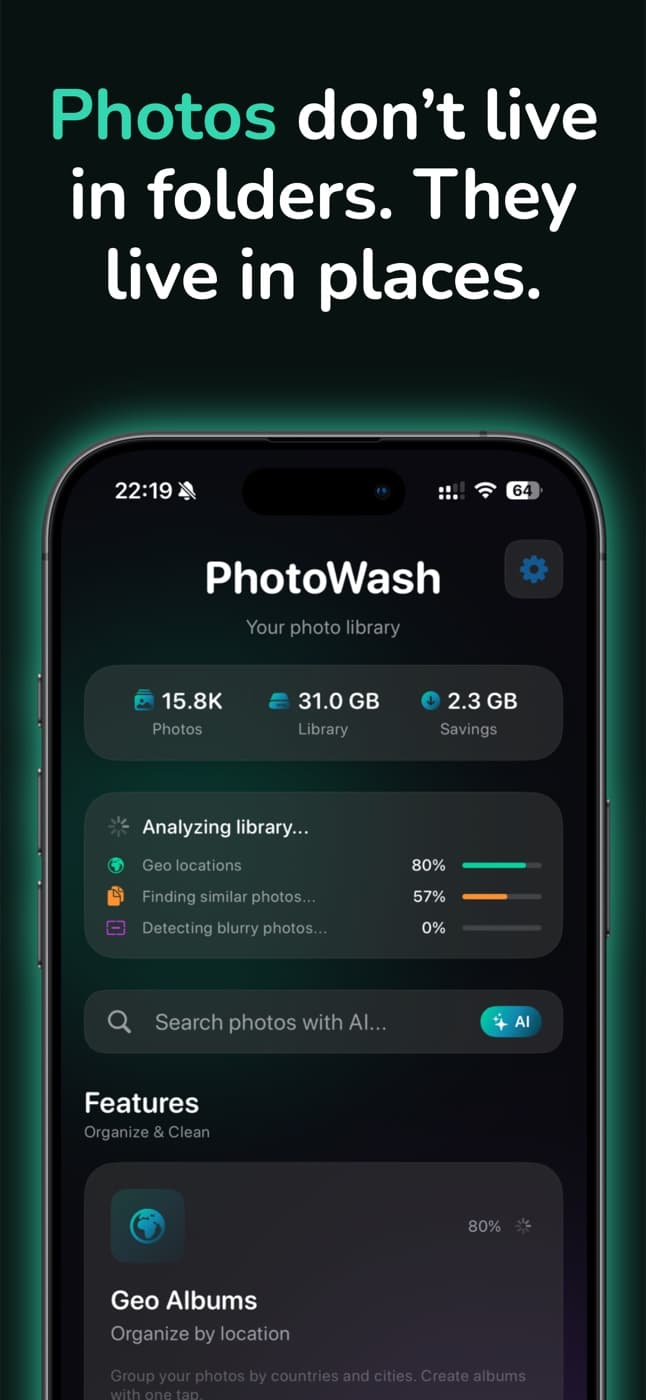
Explore your photo library by places. Photo Wash sorts your photos into Geo Albums by country and city, finds duplicates and blurry shots — all on device.
- Free
- iPhone · iOS 17+

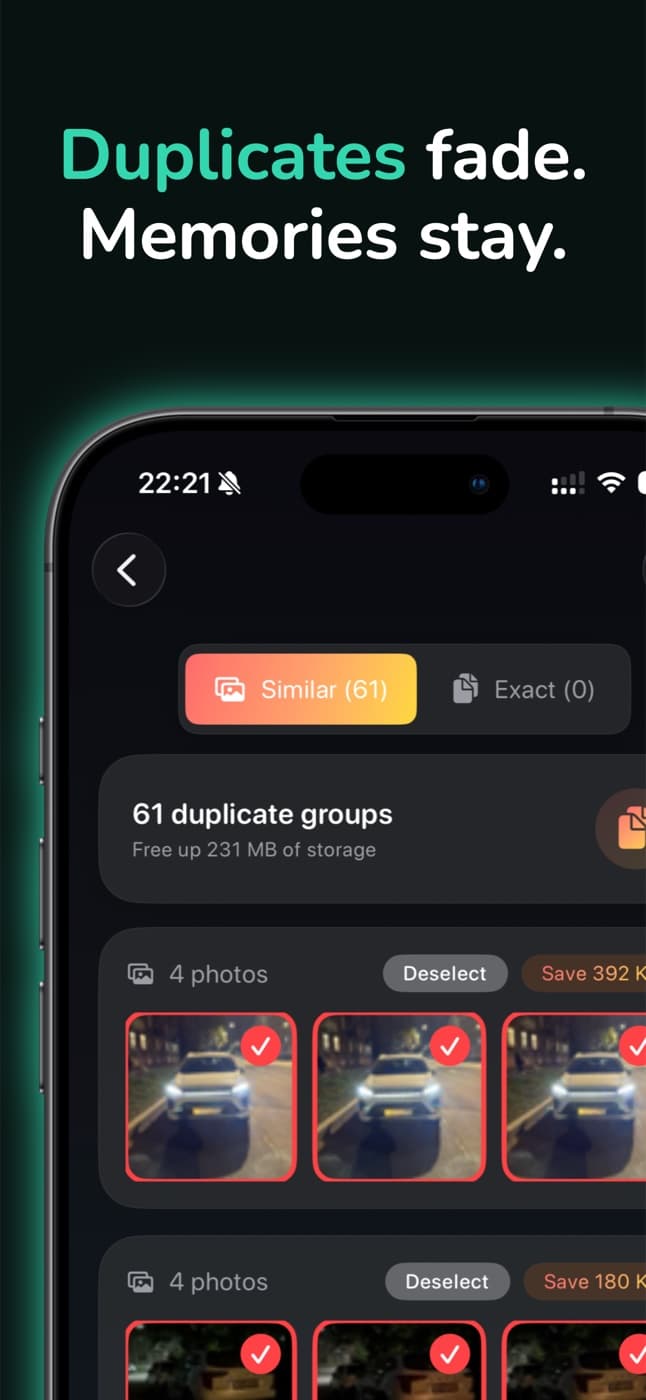
About Photo Wash
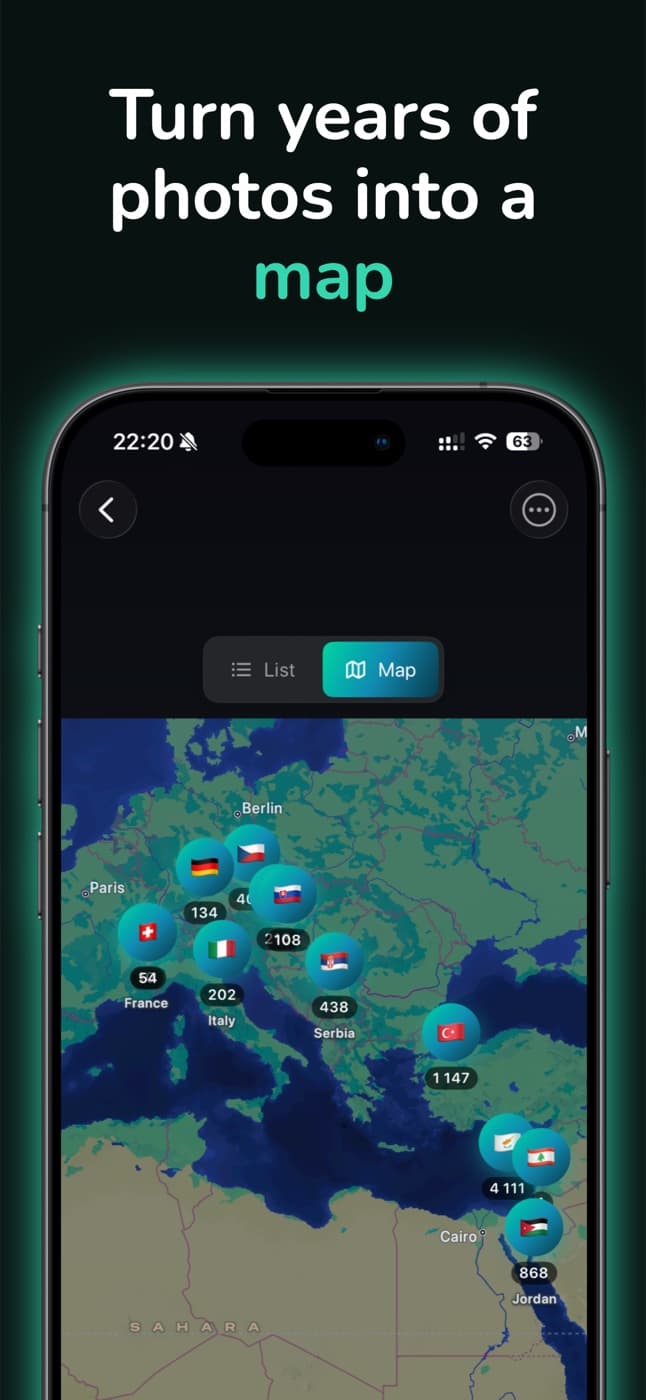
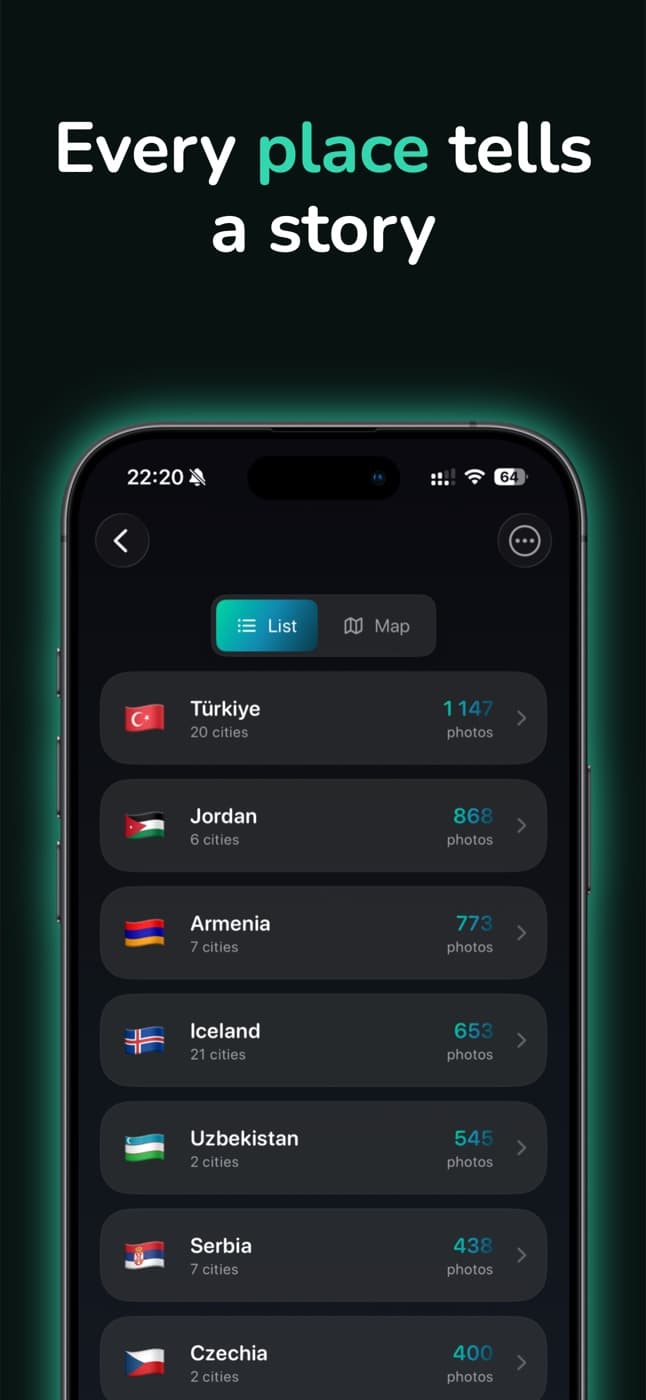
Photo Wash lets you navigate your photo library based on where moments happened, not when files were created. Your photos are organized into Geo Albums by countries and cities, making large libraries easier to explore and understand.
While you browse, it quietly finds similar shots, duplicates and blurry pictures, so your library stays clear without hours of manual cleanup.
Features
Geo Albums
Location-based albums built automatically from photo metadata.
- →Countries and cities
- →Trips and everyday places
- →Built for long photo histories
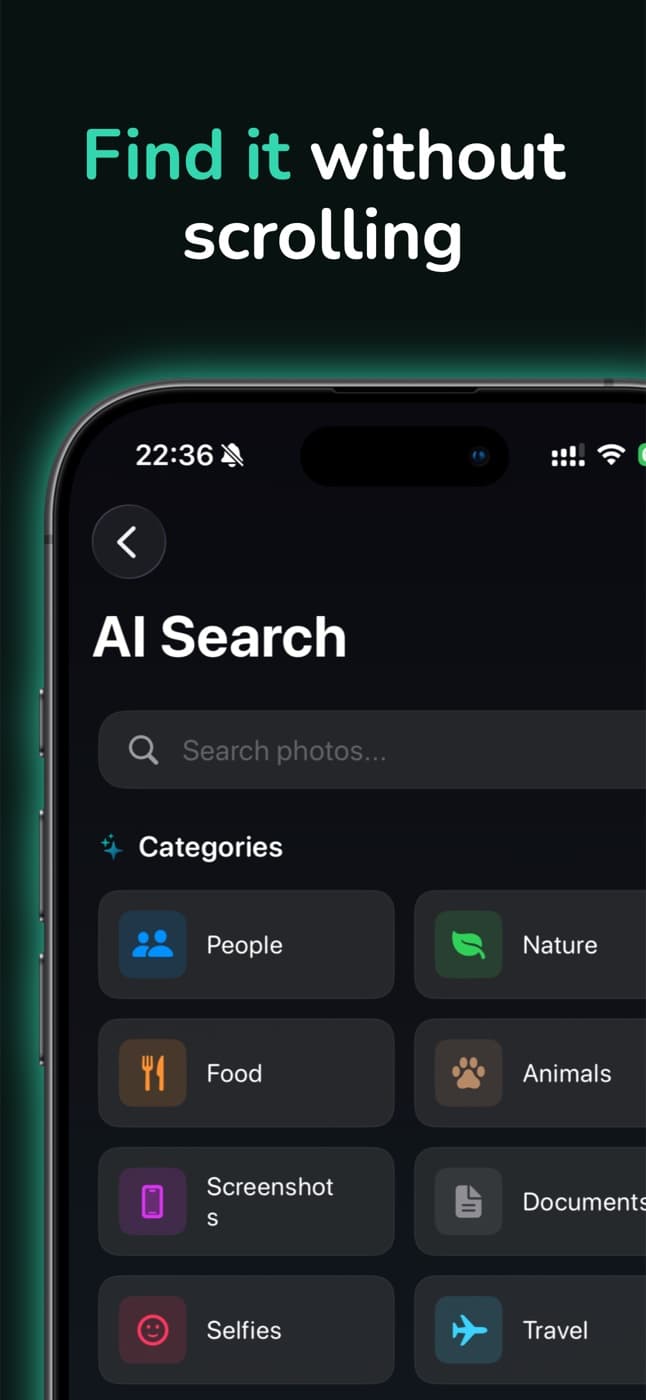
AI photo search on device
Find photos by what is in them, processed locally on your iPhone.
- →Visual similarity
- →Objects and scenes
- →All analysis stays on your device
Keep your library clear
Reduce visual noise as you explore your photos.
- →Similar and duplicate photos
- →Blurred and low-quality images
- →You review everything before removing
Privacy by design
Your photos never leave your device.
- →No accounts
- →No cloud processing
- →No photo uploads
From the blog
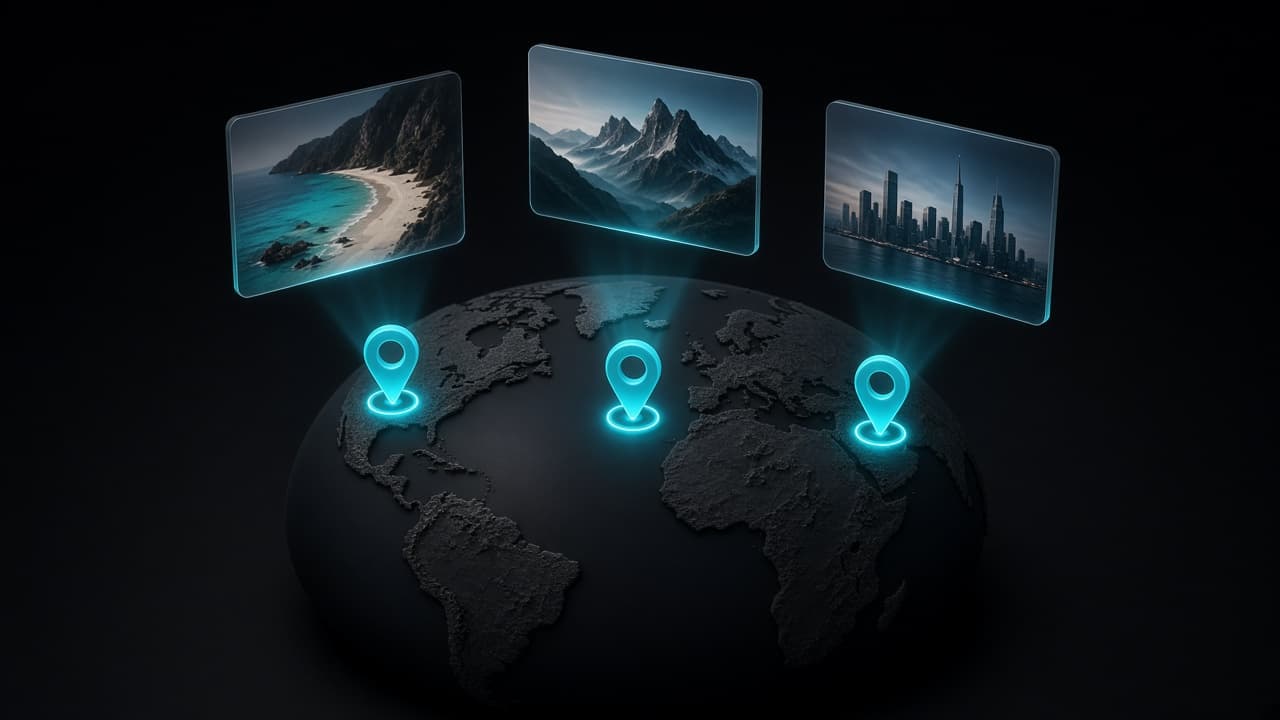
How to Organize iPhone Photos by Country and City
Your iPhone already knows where most of your photos were taken. Here's how location data works, why some photos have none, and how to turn years of pictures into albums by place.
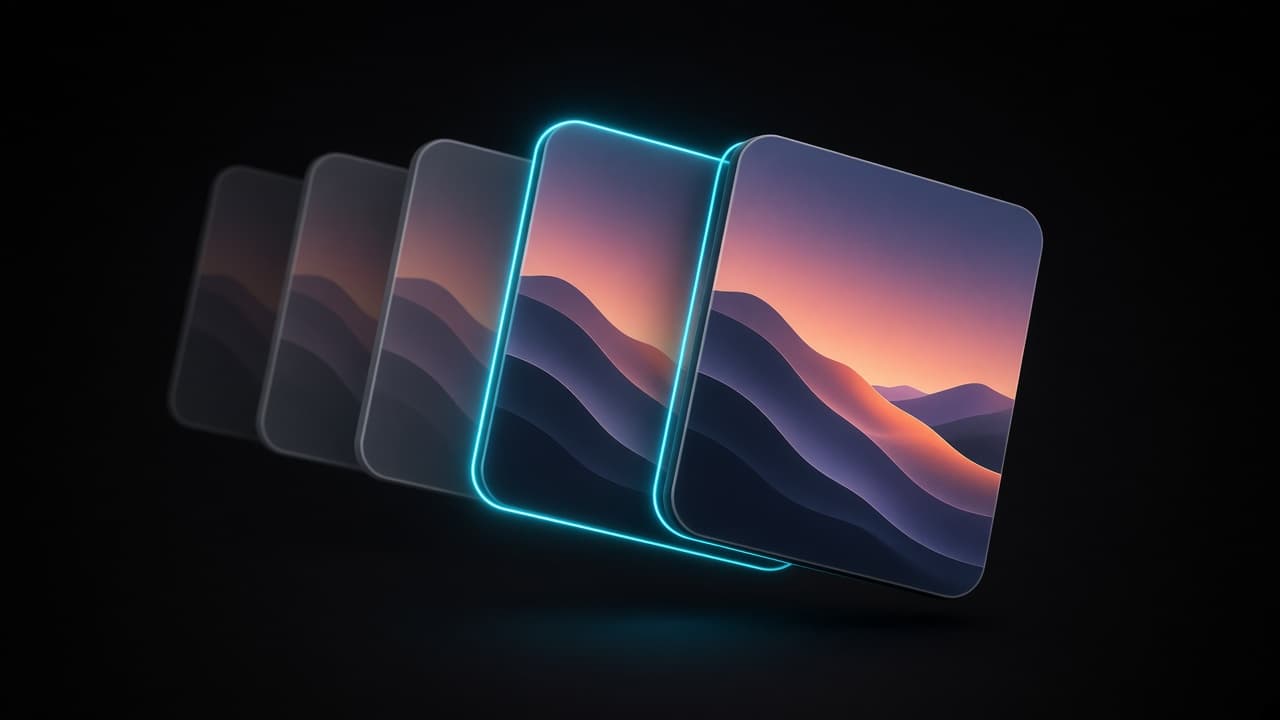
How to Find and Delete Duplicate Photos on iPhone
Exact duplicates, similar shots and bursts need different fixes. Here's how to use the iPhone Duplicates album, catch what it misses, and pick the right keeper.
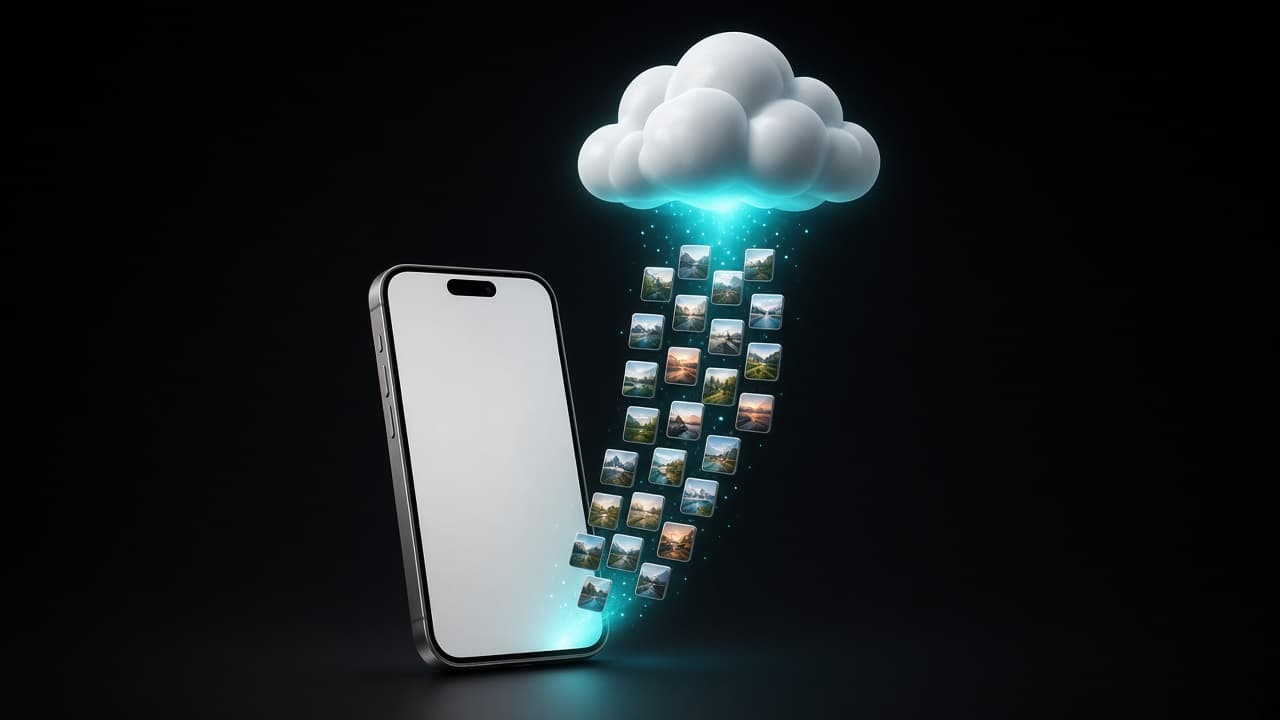
How to Free Up iPhone Storage Without Losing Photos
Storage full doesn't have to mean deleting memories. See what's really using space on your iPhone, clear the clutter, and use iCloud Photos the right way.
FAQ
Does Photo Wash upload my photos anywhere?+
No. All analysis — geo grouping, AI search, duplicate and blur detection — runs on your iPhone. There are no accounts and no cloud processing.
How does Photo Wash know where a photo was taken?+
It reads the location metadata your camera already stores in each photo and groups pictures into albums by country and city.
Will it delete photos automatically?+
Never. Photo Wash suggests duplicates and blurry shots, and you review and confirm everything before anything is removed.
Get Photo Wash on iPhone
Organize photos by location, find duplicates, detect blurry images