
How to Tune a Guitar with a Chromatic Tuner: Standard and Drop D
A step-by-step guide to tuning a six-string guitar to standard EADGBE and Drop D with a tuner app, plus the habits that keep it in tune longer.
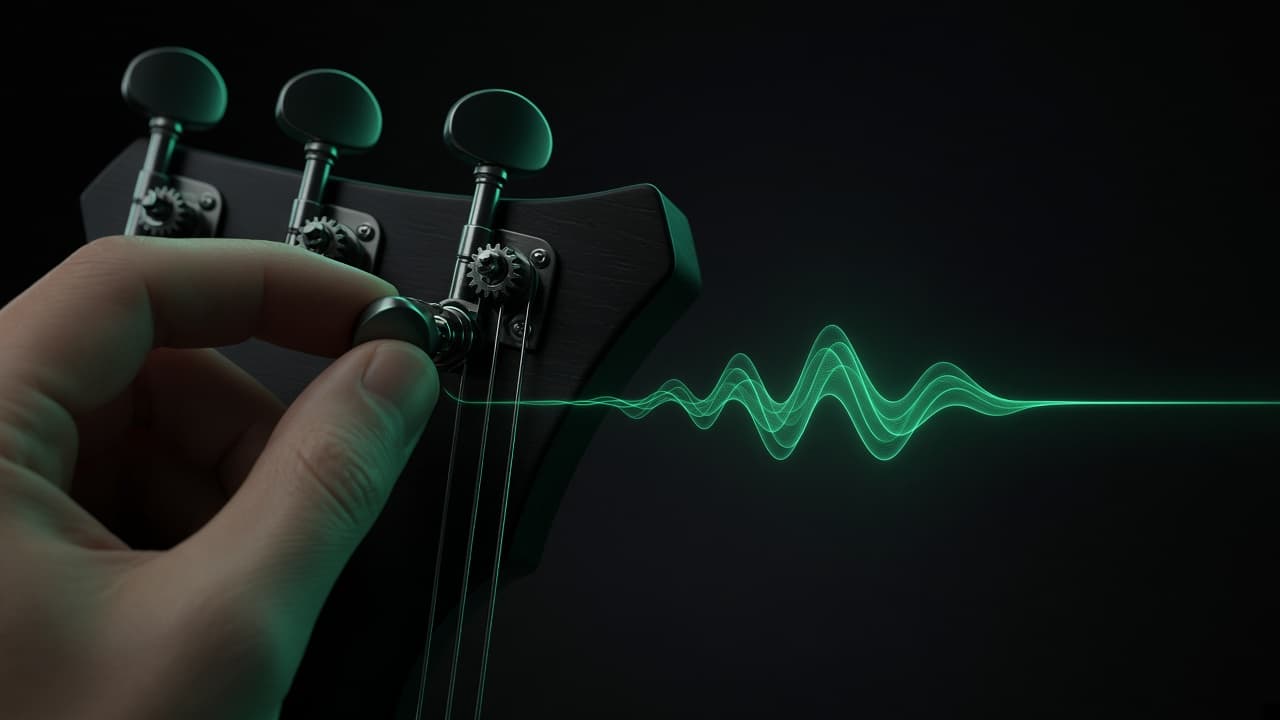
A guitar that is slightly out of tune makes every chord sound wrong, even when your fingers are in exactly the right place. The good news: with a chromatic tuner on your phone, getting all six strings in tune takes about a minute once you know the routine.
Standard tuning in one line
Standard tuning for a six-string guitar, from the thickest string to the thinnest, is E A D G B E:
- 6th string (thickest): E2
- 5th string: A2
- 4th string: D3
- 3rd string: G3
- 2nd string: B3
- 1st string (thinnest): E4
The number after each letter is the octave. A chromatic tuner shows the note name and octave, so you can tell a low E from a high E at a glance.
Step by step
- Find a quiet spot. Background noise and other instruments confuse any pitch detector, including the one in your phone.
- Open Struno and pick the guitar mode, or stay in chromatic mode if you play something else.
- Pluck the open 6th string once and let it ring. Don't keep re-plucking: the first second of a note is the least stable part.
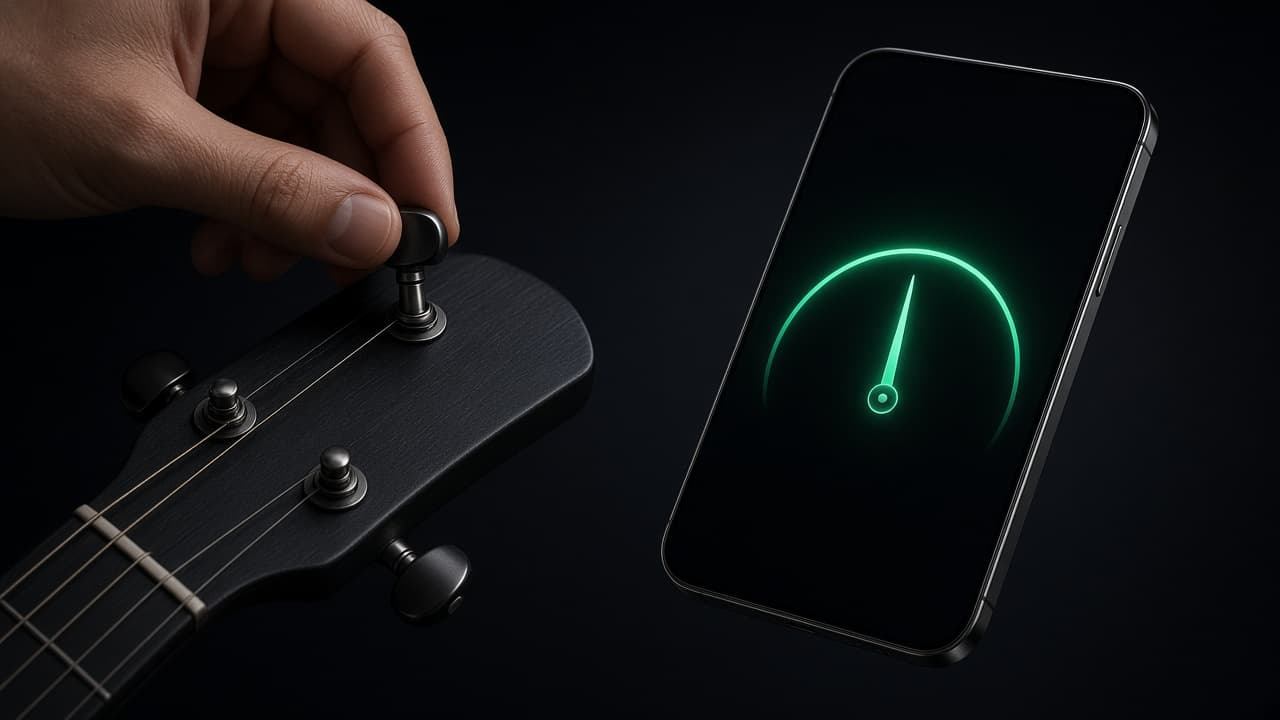
- Watch the gauge. If the needle sits left of center the string is flat, so tighten it. If it sits right, the string is sharp, so loosen it.
- Tune up to the note. If you overshoot, drop below the target and come back up. Approaching from below keeps tension on the gear and the string holds pitch better.
- Repeat for the other five strings, then do one more quick pass. Changing tension on one string slightly moves the neck, which shifts the others.
What "cents" mean
Tuners measure how far you are from the target note in cents. There are 100 cents in a semitone, so a reading of +5 means you are five hundredths of a semitone sharp. Within a few cents of zero is in tune for practice and playing with others. Most people can't hear a difference that small.
Tuning to Drop D
Drop D lowers only the 6th string a whole step, from E to D, so the bottom three strings form a power chord you can play with one finger. It's common in rock, metal and folk.
- Tune the guitar to standard first.
- Switch to chromatic mode and loosen the 6th string until the tuner reads D2.
- Check it against the open 4th string: it's the same note, one octave lower, and the two should sound smooth together with no wobble.
To go back to standard, tighten the 6th string back up to E2.
Why your guitar keeps going out of tune
- New strings stretch. For the first few days they slowly lose pitch. Retune often, or gently pull each string away from the fretboard a few times after installing them.
- Temperature and humidity change. Moving a guitar from a cold car into a warm room is a reliable way to detune it. Give it a few minutes to settle before tuning.
- Pressing too hard. Heavy fretting pushes notes sharp even when the open strings are perfect. If chords sound off only when you play them, check your grip before the tuner.
Tune by reference, not just by needle
Pitch reference matters when you play with others. The modern standard puts the A above middle C at 440 Hz, defined in ISO 16. If a band or a recording is tuned slightly differently, match the reference note first and tune everything else from it. Struno's reference tone helps when you want to tune by ear instead of watching the gauge.
Next step: stay in time
Once the guitar is in tune, the next thing that makes playing sound right is timing. Practicing chord changes with a metronome, starting slow and nudging the tempo up as they get clean, is the fastest way to make them sound like music. Our guide on how to practice with a metronome walks through the method step by step.
Keep reading

 Struno••6 min read
How to Tune a Ukulele: Standard GCEA, Low G and Baritone DGBE
Learn how to tune a ukulele to standard GCEA with a chromatic tuner, the difference between high G and low G, baritone DGBE tuning and why new strings drift.
 Struno••6 min read
How to Practice with a Metronome and Actually Get Faster
A practical method for metronome practice: start slow, raise the tempo a few BPM at a time, use subdivisions and beats 2 and 4, and know when to speed up.

 Photo Wash••3 min read
How to Organize iPhone Photos by Country and City
Your iPhone already knows where most of your photos were taken. Here's how location data works, why some photos have none, and how to turn years of pictures into albums by place.