
Best Authenticator Apps for iPhone: An Honest Comparison (2026)
Google Authenticator, Microsoft Authenticator, Apple Passwords, 2FAS, Ente Auth, Authy and Ring compared: backups, sync, privacy and who each one suits.
There's no single best authenticator app: they all generate the same standard 6-digit codes (TOTP), so the real differences are backup and sync, privacy and convenience. For most iPhone users the choice comes down to whether you want codes synced to a cloud account (Google Authenticator, Microsoft Authenticator, Apple Passwords, Ente Auth) or kept only on the device (Ring, 2FAS without backup). Below is an honest comparison, including our own app.
What all authenticator apps have in common
Any app that supports TOTP works with any service that offers "authenticator app" 2FA: Google, Microsoft, Instagram, Discord, banks and thousands more. Codes are generated on the phone from a shared secret and the current time, so they work offline. Our guide on setting up two-factor authentication explains how it works, and authenticator app vs SMS vs passkeys why apps beat text messages.
Comparison
| App | Backup / sync | Works on | Good for | Watch out for |
|---|---|---|---|---|
| Google Authenticator | Syncs codes to your Google Account (optional) | iPhone, Android | Simplicity; moving phones easily | Codes tied to a Google Account if you turn sync on |
| Microsoft Authenticator | iCloud backup tied to a personal Microsoft account | iPhone, Android | Microsoft and work accounts (push approvals) | iPhone backups can't be restored on Android |
| Apple Passwords | iCloud Keychain sync across Apple devices | iPhone, iPad, Mac (iOS 18+) | Autofill of codes on Apple devices | Apple-only; no import from other apps |
| 2FAS | Optional iCloud backup | iPhone, Android | Free, open source, browser extension | Backup has to be turned on |
| Ente Auth | End-to-end encrypted cloud sync | iPhone, Android, desktop, web | Codes on many devices, including a computer | Another account to protect |
| Authy | Encrypted cloud backup | iPhone, Android | Existing Authy users | Desktop apps were discontinued in 2024 |
| Ring (ours) | None: codes stay encrypted on the iPhone | iPhone | Privacy, Face ID, folders, Home Screen widgets | No cloud backup: keep backup codes |
Sources: Google on Authenticator sync, Microsoft on backup and recovery, Apple on verification codes, and Twilio on the end of the Authy desktop apps.
How to choose
- You switch phones often or use Android too: pick an app with sync, such as Google Authenticator or Ente Auth, and protect that account with a strong password and 2FA of its own.
- You live in the Apple ecosystem: Apple Passwords is built in and autofills codes; good if you don't need them outside Apple devices.
- You use Microsoft 365 at work: Microsoft Authenticator is often required for push approvals; it handles other accounts too.
- You want codes only on your phone, nothing in the cloud: Ring or 2FAS without backup. Then your backup codes are the safety net.
Sync vs local: the real trade-off
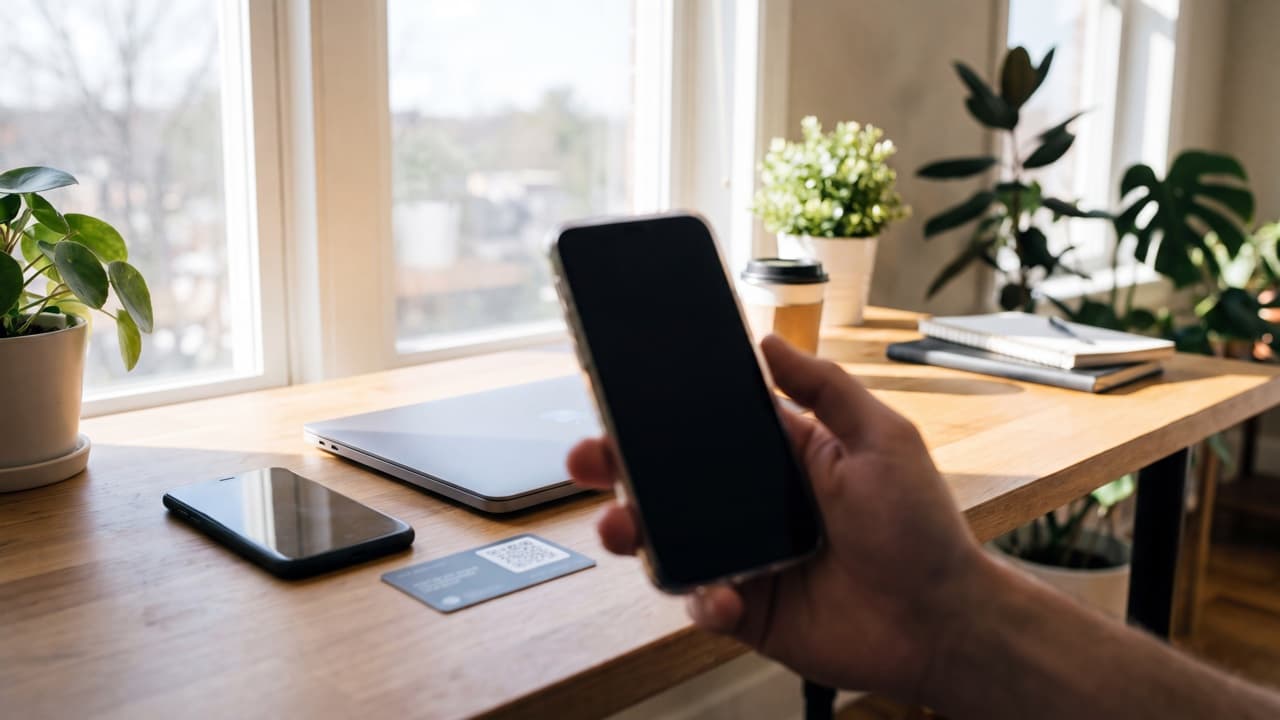
Cloud sync is convenient: a lost phone doesn't lose your codes. But it moves the problem: whoever gets into the sync account may get your second factor too. Local-only storage keeps the codes on one device, which is more private, but a lost or reset phone means account recovery unless you saved backup codes. Neither is wrong; just know which one you chose. Our guide for a lost phone with 2FA covers both cases.
Where Ring fits
Ring is our app. It's built for people who want their codes only on their iPhone: encrypted local storage, no account, no tracking, Face ID, folders for dozens of accounts and Home Screen widgets for quick access. It doesn't sync or back up to a cloud, so it isn't the right pick if you need codes on several devices. If you choose it, keep each service's backup codes, and when you change phones follow our guide to moving an authenticator to a new phone.
No authenticator makes an account impossible to break into, but any of these is a big step up from SMS codes.
FAQ
Which authenticator app is the most secure?
They all use the same TOTP standard. Security depends more on how codes are stored and backed up and on protecting the phone and any sync account.
Can I use more than one authenticator app?
Yes, but each account's codes live in the app where you scanned its QR code. To add a second app, re-scan the code or use the service's "change authenticator" option.
Is Apple's built-in authenticator good enough?
For many iPhone users, yes: Apple Passwords generates codes and autofills them on Apple devices. It's less convenient if you also need codes on Android or Windows.
Keep reading
 Ring••4 min read
How to Move Google or Microsoft Authenticator to a New Phone
Switching phones? Move your 2FA codes with Google Authenticator sync or export, Microsoft Authenticator iCloud backup, or by re-adding each account safely.
 Ring••3 min read
Fortnite 2FA: How to Turn On Two-Factor Authentication on Epic Games
Turn on Fortnite two-factor authentication through your Epic Games account: authenticator app, SMS or email, backup codes, and why 2FA is needed to gift.
 Ring••3 min read
Discord 2FA: How to Enable an Authenticator App and Save Backup Codes
Enable Discord two-factor authentication with an authenticator app, download backup codes, and fix 2FA codes that don't work or a lost phone.