
How to Organize iPhone Photos by Country and City
Your iPhone already knows where most of your photos were taken. Here's how location data works, why some photos have none, and how to turn years of pictures into albums by place.
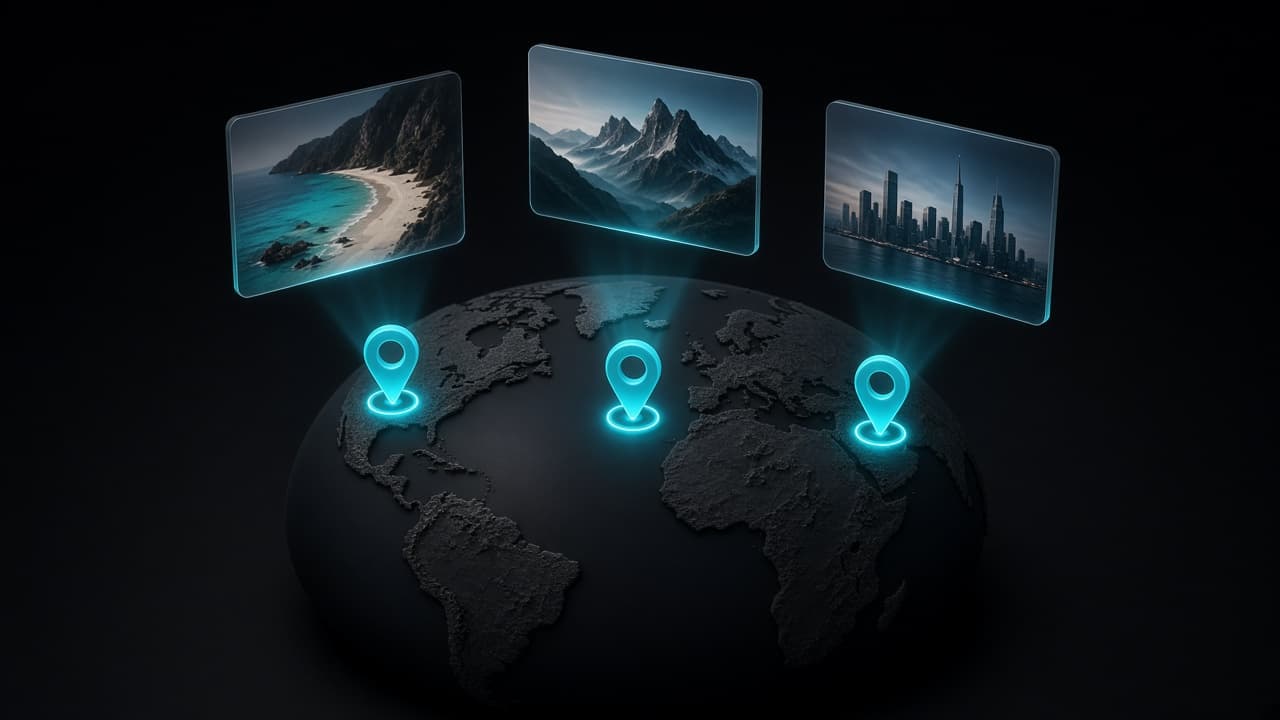
Scrolling a photo library by date works for last week. It falls apart for "that beach in Portugal three summers ago". For most people, the place is the natural way to remember a photo, and your iPhone has quietly been recording it all along.
Where location data comes from
When Location Services is allowed for the Camera app, every photo you take gets the GPS coordinates of where it was taken, saved inside the file's metadata. You can check the setting in Settings → Privacy & Security → Location Services → Camera.
Open any photo in the Photos app and swipe up: if it has a location, you'll see a small map. That's the data any location-based organization relies on.
Why some photos have no location
Not every picture in your library will land on a map. Common reasons:
- Location was off for the Camera when you took it.
- Screenshots and screen recordings don't record where you were.
- Photos saved from messengers or the web often lose their metadata along the way, since many apps strip it for privacy.
- Imported pictures from older cameras that had no GPS.
For important photos, you can add or fix the location by hand in Photos: open the photo, swipe up, and adjust the location in the info panel.
From coordinates to countries and cities
Raw coordinates are just numbers. Turning them into "Lisbon, Portugal" is called reverse geocoding. Once every photo has a place name, your library can be grouped the way you remember it: by trip, by city, by the country you visited.
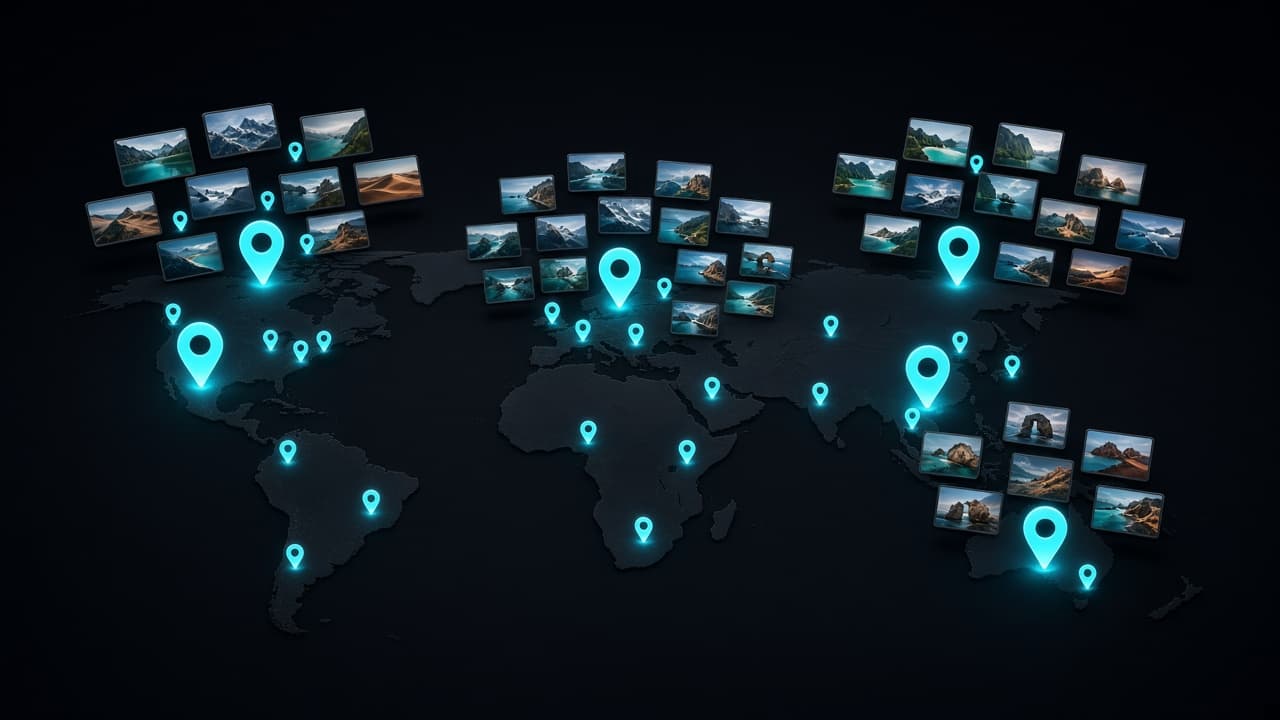
Photo Wash does this automatically. It reads the location already stored in your photos and builds Geo Albums by country and city, without you creating a single album by hand. It's useful for a few things:
- Travel recaps. Every trip ends up in one place, even if it was years ago and you never made an album.
- Finding a specific shot. Go to the city first and then scroll, instead of scrolling through years.
- Rediscovering everyday places. Your hometown, your office, the café you visit every week all become albums too.
Clean up while you browse
Large libraries are full of near-identical bursts, duplicates and blurry shots. Clearing them out is much easier inside a single trip than across an entire library: you remember the moment and know which shot is the keeper. For a full walkthrough, see how to find and delete duplicate photos on iPhone.
Photo Wash flags similar photos, duplicates and blurry images as you browse a Geo Album. Nothing is deleted automatically. You review every suggestion and decide.
What about privacy?
Location is sensitive data, so it's worth knowing where it goes. Photo Wash analyzes your photos on the device: there are no accounts and no photo uploads. Turning coordinates into place names uses Apple's standard iOS geocoding service.
When you share a photo with someone else, remember that the location can travel with the file. On iPhone you can turn it off for a specific share: tap Options at the top of the share sheet and switch off Location.
A five-minute starting routine
- Check that the Camera has location access, so future photos are covered.
- Open Photo Wash and let it build your Geo Albums.
- Pick your most recent trip and remove the duplicates and blurry shots first.
- Fix the location on a few important photos that are missing it.
Next time you want "that beach in Portugal", start with the country.
Keep reading
 Photo Wash••6 min read
How to Find and Delete Duplicate Photos on iPhone
Exact duplicates, similar shots and bursts need different fixes. Here's how to use the iPhone Duplicates album, catch what it misses, and pick the right keeper.
 Photo Wash••6 min read
How to Free Up iPhone Storage Without Losing Photos
Storage full doesn't have to mean deleting memories. See what's really using space on your iPhone, clear the clutter, and use iCloud Photos the right way.

 Bear Bite••3 min read
How to Keep a Food Diary Habit Past Week Two
Most people stop logging meals within a couple of weeks. Here's how to make calorie tracking small enough to survive busy days, travel and the occasional pizza night.